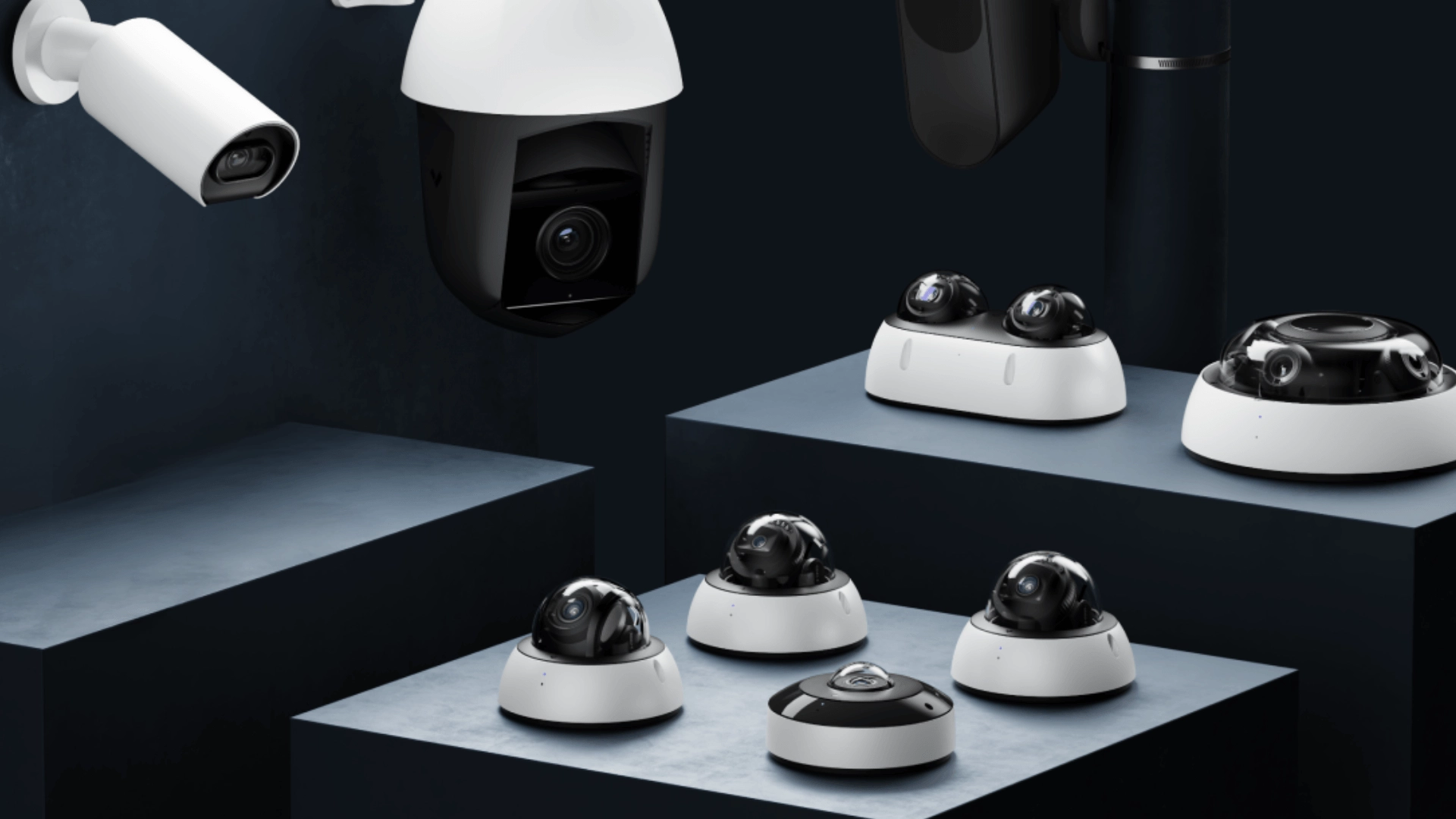
Cloud physical security is a way of running security cameras, access control, alarms and sensors from a cloud platform instead of servers and network video recorders (NVRs) on site. Staff manage every camera, door and site from a browser or phone.
For schools and multi-site organisations, it changes what security costs to own, how quickly footage can be found, and how much IT has to look after.
What is cloud physical security?
A traditional system is built around on-site hardware: cameras record to an NVR, doors run from a local server, and alarms sit on their own panel, each with its own software and login.
Cloud physical security keeps the devices on your walls and doors but moves their management to one cloud platform. Footage, door schedules, alarms, sensor readings, updates and user permissions are all handled in one place, so the systems work together instead of separately.
Cloud vs on-premise vs hybrid cloud physical security
The main differences are where footage is stored and where the system is managed from.
| On-premise | Cloud | Hybrid cloud |
|---|
Footage stored | On an NVR or server on site | In the cloud | On the device, such as the camera |
|---|
Managed from | On site, or through a VPN | A browser or app, anywhere | A browser or app, anywhere |
|---|
On-site NVRs and servers | Required | Not required | Not required |
|---|
Software updates | Applied by IT | Delivered by the vendor | Delivered by the vendor |
|---|
If the internet drops | Recording continues | Depends on the system | Recording continues on the device |
|---|
Verkada, the platform Omnia Global installs as a Verkada Gold Partner, is hybrid cloud: footage is stored on the camera and managed through the cloud, with no NVRs or servers on site. Recording doesn't depend on a constant connection, so it suits remote sites as well as metro campuses.
Total cost of ownership: looking past the quote
Security systems are usually compared on the quote. But most of the cost of owning one arrives after it's installed, over the years it runs. Total cost of ownership (TCO) counts both.
Upfront costs (what the quote covers): cameras, door hardware and sensors, recorders and software, installation and training.
Ongoing costs (what the quote leaves out):
- Replacing recorders, servers and failed hard drives
- Software updates, security patches and backups
- Power and cooling for on-site servers
- Downtime when a recorder fails, taking its cameras with it
- Site visits, including travel to regional sites
- Staff time spent finding, exporting and sharing footage
How cloud physical security changes the numbers
- No recorders or servers to buy, replace, power or patch. Storage is on the camera.
- Updates arrive automatically, instead of being scheduled and applied by IT.
- No single point of failure. At South Coast Baptist College, "no NVR meant no single point of failure for the cameras."
- Fewer site visits. Devices are managed remotely, which matters at remote sites like Wongutha CAPS near Esperance.
- Time back for staff. At South Coast Baptist College, a footage request once took two people and a dedicated workstation. Now non-IT staff can often find and share footage themselves.
- A staged move. Verkada Command Connector brings cameras you already own onto the platform, so you don't have to replace everything at once.
Cloud platforms do carry ongoing licences. The fair comparison is the licence cost against the hardware, maintenance, site visits and staff time it replaces.
Questions to ask when comparing quotes
- What will need replacing over the life of the system, and when?
- Who patches the recorders and servers, and how long does it take?
- How long does it take staff to find and share a clip today?
- What do licences cost over the full term?
What moving across looks like
- Review your current cameras, doors and network, and confirm what can move across.
- Design camera placement, door hardware and connectivity around the site.
- Install around the school day or your operating hours.
- Train staff to find footage, manage doors and respond to alerts.
See it in practice:
Cloud physical security FAQ
Is cloud physical security more expensive than on-premise?
Compare total cost of ownership, not the quote. Cloud carries ongoing licences, but removes recorders, servers and patching, and cuts site visits and staff time. Those are the costs that build up over the life of an on-premise system.
What happens if the internet goes down?
With a hybrid cloud system such as Verkada, cameras keep recording to their own storage. Remote access returns when the connection does.
Can we keep our existing cameras?
Often, yes. Verkada Command Connector brings existing cameras onto the Verkada Command platform, so you can move in stages. A review of your setup confirms which cameras are supported.
Talk to us
Omnia Global supplies, installs and supports cloud physical security for schools, aged care, healthcare and commercial sites across Western Australia. See our security, access control and CCTV solutions, or get in touch to talk through what a move to the cloud would cost and involve.